

RSVP & Attendance
Know who's coming.
Every time.
Stop chasing replies. SportX1 RSVP & Attendance makes it effortless for players and parents to confirm availability, and gives coaches a real-time headcount before every session.
How it works
From session to record in four steps
Automated from start to finish. Less chasing. More coaching.
Add a session
Create a practice, game, or event in Team Hub and invitations go out automatically. Your entire roster receives a notification right away — no manual messaging or individual outreach needed.
Players RSVP
One tap from the SportX1 app or a notification link — no login friction, no form filling. Players and parents confirm availability in seconds, from anywhere, on any device.
Track responses
Watch RSVPs come in as they happen. Know who's confirmed, who's out, and who still needs to respond — all in real time, with plenty of time to adjust before the session starts.
Plan the session
With a confirmed headcount, shape your session around who's actually coming. Adjust drills, set team structures, and prepare equipment — no last-minute scrambles, no guesswork.
Why RSVP & Attendance
No more chasing. No more guessing.
Six tools to stop chasing replies and show up prepared every time.
Automated Invites
Every new session you create triggers automatic notifications directly to players and parents. No manual messaging, no forgotten reminders — invites go out the moment the session is published.
One-Tap RSVP
Players confirm or decline directly from the push notification — no app navigation needed, no forms to fill. The barrier to responding is as low as it can possibly be.
Live Headcount
See RSVP status for every player in real time — confirmed, declined, or no reply yet. Know exactly how many players to expect and what resources you need before you even leave the house.
Automated Reminders
Non-responders receive an automatic reminder nudge at a schedule you configure. End the chasing and the social awkwardness of following up yourself — the system handles it completely.
RSVP Deadlines
Set a cut-off time for any session. After the deadline, responses lock and you have a confirmed headcount — enough time to finalize drills, equipment, and team structure before you arrive.
Parent Access
Parents have their own dedicated view to see upcoming sessions and RSVP on behalf of younger players. No extra steps, no confusion — the whole family is always in the loop.
In action
Built around your schedule
Confirmed, declined, or no reply — see it all live before you leave the house.
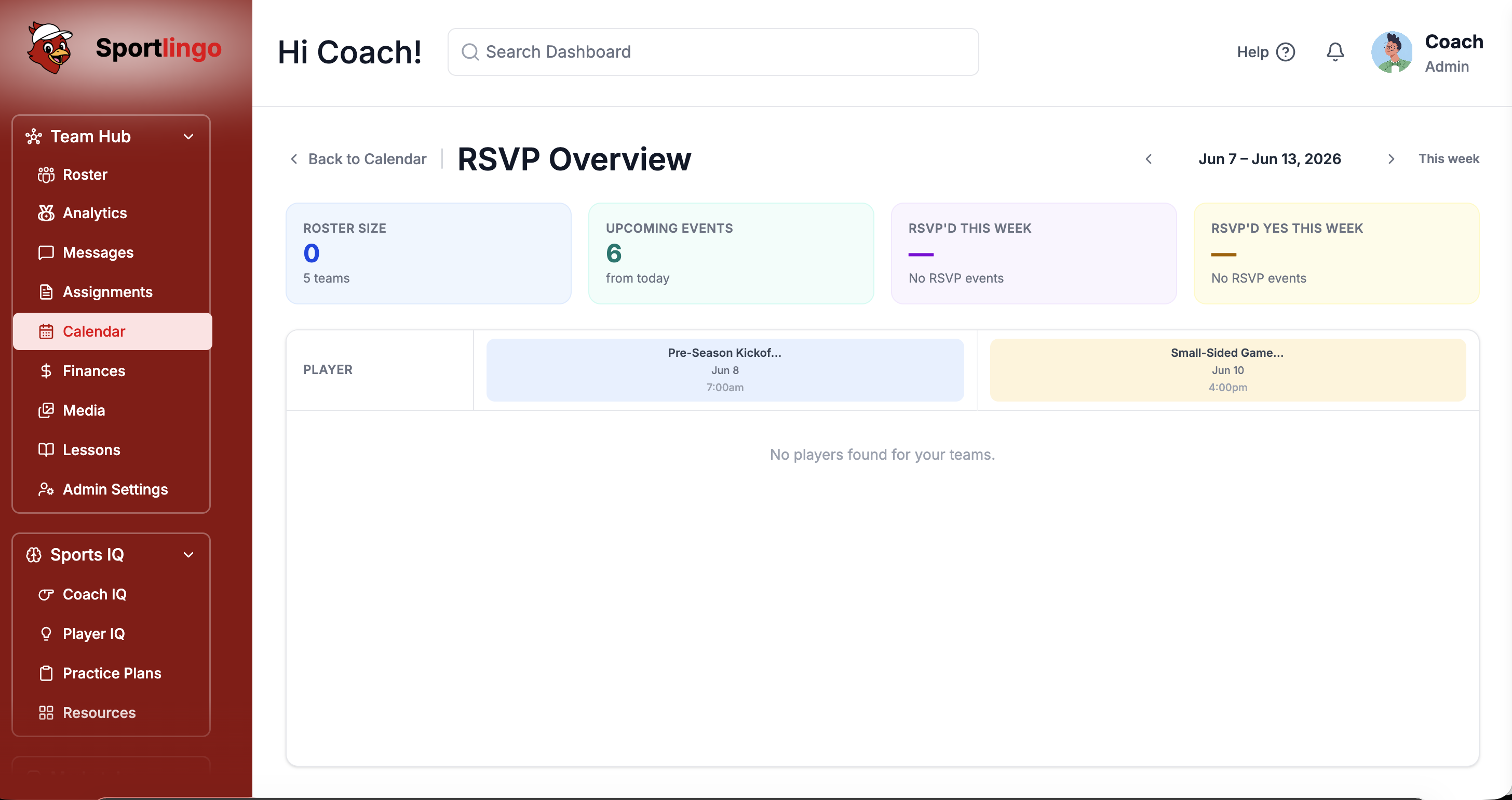
A live headcount before you leave
The attendance panel shows exactly who has confirmed, who has declined, and who has not yet responded — updated in real time as replies come in. Know your numbers before you pack the kit bag.
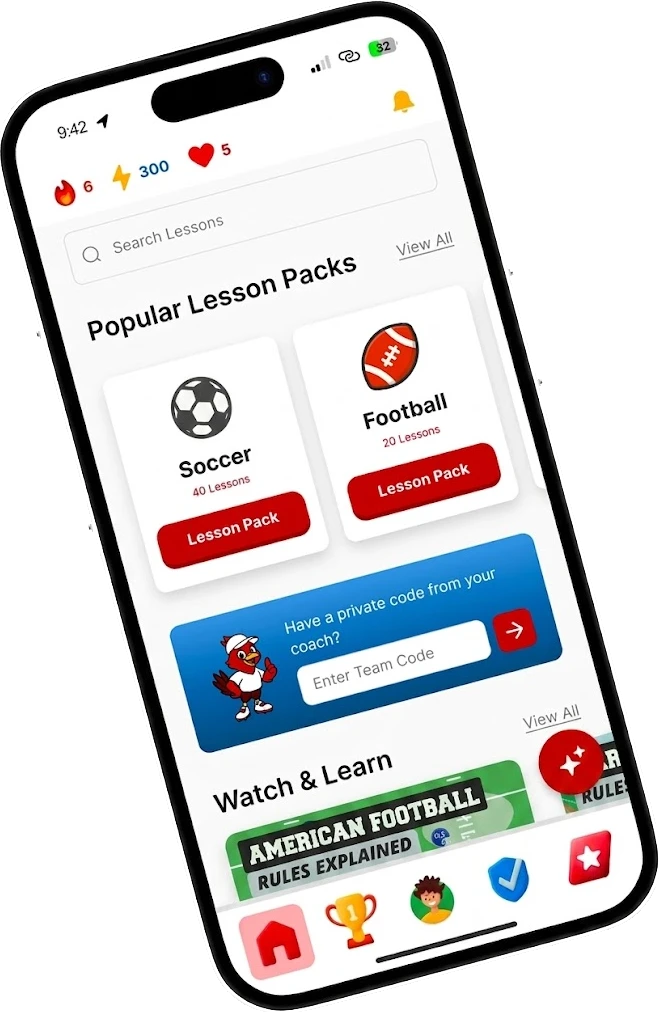
Players RSVP in one tap
Players and parents receive a push notification with a one-tap confirm or decline directly from their lock screen. No app navigation needed — the response arrives in your headcount the moment they tap.
FAQ
Common questions
Do players need to download an app to RSVP?+
No. Players can RSVP via a link in email or SMS without needing the app installed. The experience is seamless whether they use the app or a browser.
Can parents RSVP on behalf of younger players?+
Yes. Parents have their own account linked to their child's profile and can RSVP and send messages to coaches directly from their dedicated parent view.
What happens when a player RSVPs late?+
Late RSVPs update your headcount in real time. You'll see it the moment they respond — there's no batch processing or refresh needed.
Can I set a cut-off time for RSVPs?+
Yes. Set an RSVP deadline for any session. After the cut-off, players are reminded the session is locked, so you can finalize your plans with confidence.
Can I update or cancel a session after invites have gone out?+
Yes. Any changes to a session — time, venue, or cancellation — trigger automatic push notifications to all players and parents. No group chats, no individual messages. Everyone gets the update the moment you make it.
Ready to stop chasing RSVPs?
Start your free trial today. No credit card required. Up and running in under 10 minutes.