

Calendar
Plan every event.
Stress-free.
From training sessions and games to tournaments and team events — SportX1 Calendar handles the scheduling, communication, and RSVP tracking so you can focus on coaching.
How it works
From idea to champion in five steps
SportX1 handles the admin. You focus on coaching.
Create an event
Pick the type, set the date and time, assign your team, and add a description. Everything is ready in under two minutes — no switching between apps or copying dates into a spreadsheet.
Notify your team
Players and parents on the assigned team are notified automatically. They see the event on their SportX1 app and can RSVP directly — no group chats or forwarded messages needed.
Track RSVPs live
Watch responses come in on the event detail panel. See who confirmed, who declined, and who has not replied yet — updated in real time as your team members respond.
Run the session
Check attendance on your phone before the session starts, review the linked practice plan, and send any last-minute updates to your whole team from the SportX1 app.
Schedule your season
Use Scheduler to generate practices, games, or tournaments around team, time, and location availability. Review and publish the full schedule when it is ready.
Why SportX1 Calendar
Every session, brilliantly organised
Six tools that cover every angle of team scheduling.
Calendar & Scheduling
Schedule practices, games, and team events in seconds, then manage every date in one clean monthly calendar. Set the time, location, and team, send automatic notifications, and filter by team — no spreadsheets or group-chat follow-up.
RSVP Tracking
Collect availability from every player and parent automatically. See who confirmed, who declined, and who has not responded yet — updated live as replies come in.
Schedule Import
Upload your existing Excel or CSV schedule and let AI read it automatically. Every date, event name, and team assignment is created in seconds — no manual entry needed.
Event Types
Categorize every session as a Practice, Game, Tournament, Camp, or Training. Color-coded labels make your full monthly calendar easy to scan at a glance.
Practice Plan Links
Attach session plans directly to calendar events and choose whether players and parents can see them — everything in one place before the session starts.
Media Attachments
Add photos and videos to any event for context or match preparation. Control exactly what players and parents can view — all from the event detail panel.
In action
Every event, one calendar
Create and track all events from one clean calendar view.
Every session on one grid
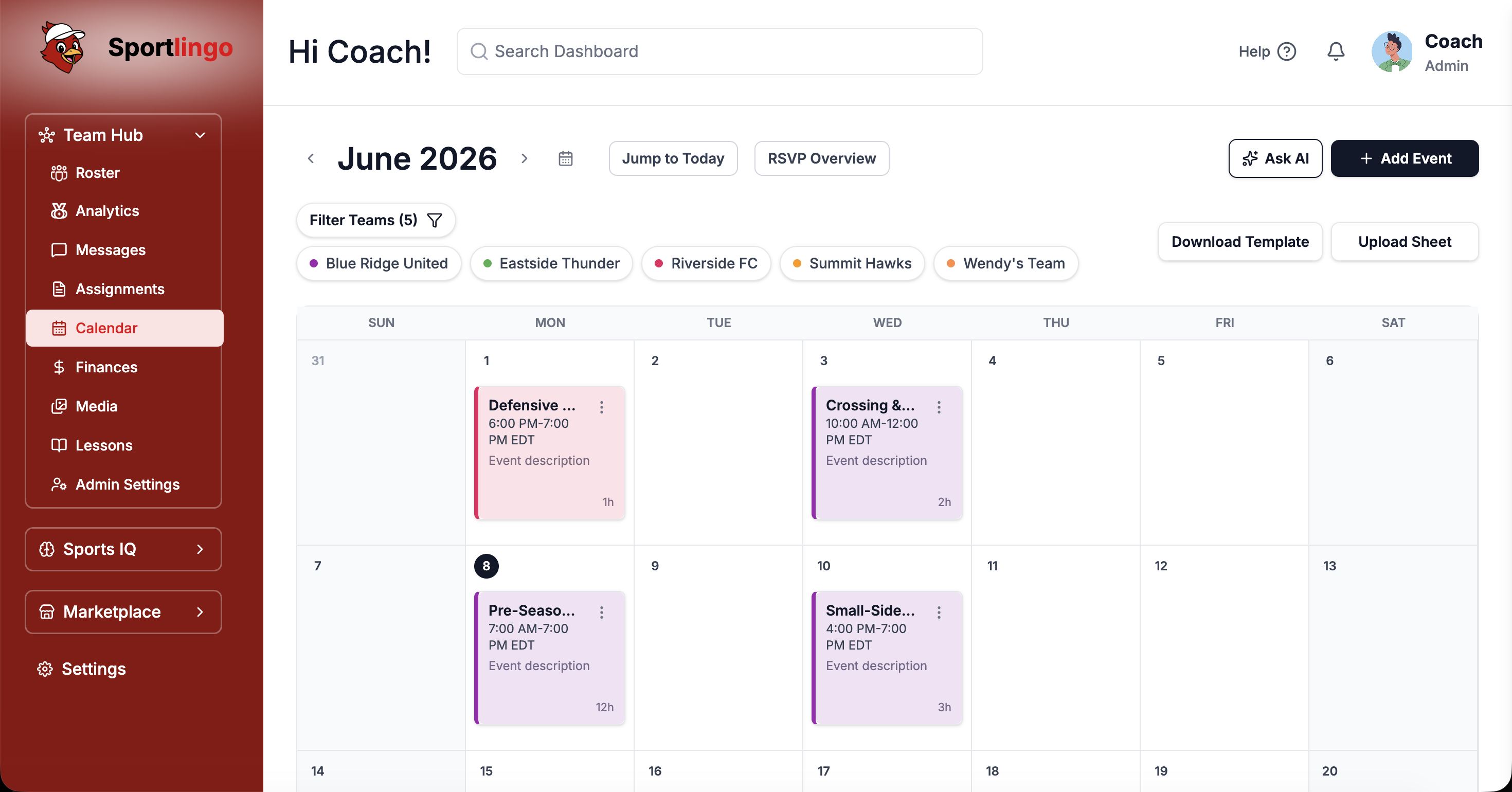
The monthly calendar view shows practices, games, tournaments, and camps in color-coded labels, with team filter pills to focus by squad. Click any event to open the RSVP attendance panel in real time.
Manage from any device
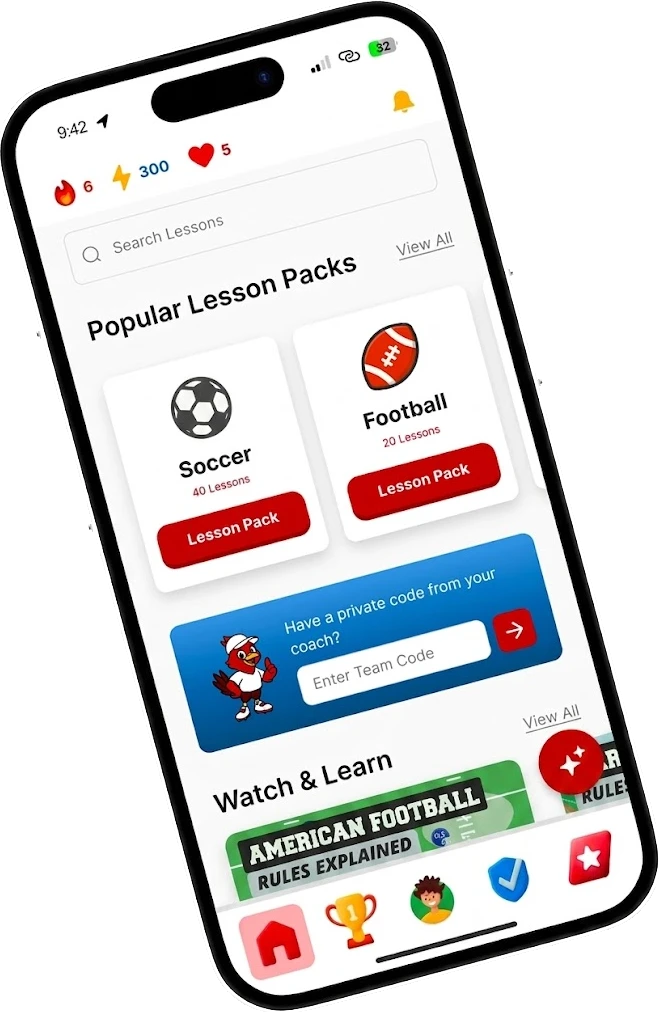
The full calendar is on mobile. Check who is coming, view linked practice plans, and see real-time RSVP responses from anywhere — on match day or on the commute.
FAQ
Common questions
Can I filter the calendar by team?+
Yes. Use the Filter Teams button to show events for specific teams. If you manage multiple teams, you can view them all at once or focus on one team at a time.
Can I import a schedule I already have?+
Yes. Upload an Excel or CSV file and SportX1 AI reads it automatically — pulling in dates, event names, and teams so you can skip all manual entry.
How do RSVPs work?+
When you create an event with RSVPs enabled, players and parents receive a notification and can respond Yes, No, or Maybe. You see all responses in real time on the event detail panel.
Can I link practice plans to events?+
Yes. When creating or editing an event, attach one or more practice plans and choose whether players or parents can view them — all before the session starts.
Can I duplicate recurring events?+
Yes. Open any event and tap the duplicate icon to create an identical copy. Adjust the date and any details for the next occurrence — no need to fill everything in again.
Ready to own your team schedule?
Start your free trial today. No credit card required. Up and running in under 10 minutes.