

Assignments
Develop players
between sessions.
Great development doesn't stop at the final whistle. SportX1 Assignments lets you set video analysis tasks, reading challenges, and skill drills that players complete in their own time — and track who is doing the work.
How it works
Learning that extends beyond the field
Set, assign, and track in minutes. See exactly who's engaged.
Create a task
Write a task, attach a video or document, set a due date, and choose which players or groups receive it. Add a question or prompt if needed — the whole process takes under two minutes.
Complete tasks
Players receive a push notification the moment you publish a task. They submit responses, reflections, or video clips directly through the SportX1 app — no extra logins required.
Review results
See who has completed each assignment and who still needs a nudge. Leave written or voice feedback on individual responses to keep the learning conversation alive and progressing.
Track progress
Completion rates and response quality feed automatically into player development profiles — giving you a clearer picture of each athlete's commitment and engagement between sessions.
Why Assignments
More hours, more development
Tools that take your coaching impact well beyond every session.
Video Analysis Tasks
Share clips from matches or training sessions with targeted questions players must answer. Turn passive viewing into active, analytical learning that builds genuine understanding and actually sticks.
Skill Challenges
Set physical challenges for players to complete outside of sessions, with photo or video proof submitted through the app. Development continues beyond the field and between every practice.
Reading & Research
Assign tactical reading, rulebook sections, nutrition guides, or mental performance resources — and track precisely who has engaged with the content and who hasn't opened it yet.
Group or Individual
Assign tasks to the whole team, a specific position group, or individual players who need extra focus. Targeted development happening at every level of your squad, simultaneously.
Feedback Tools
Leave written or voice feedback on any submission, and players can respond directly. The coaching conversation extends well beyond the session — into genuine ongoing dialogue about their game.
Development Integration
Completion rates and response quality flow directly into Player IQ profiles, giving you a holistic, data-backed view of each athlete's commitment, effort, and ongoing development.
In action
Challenges players actually complete
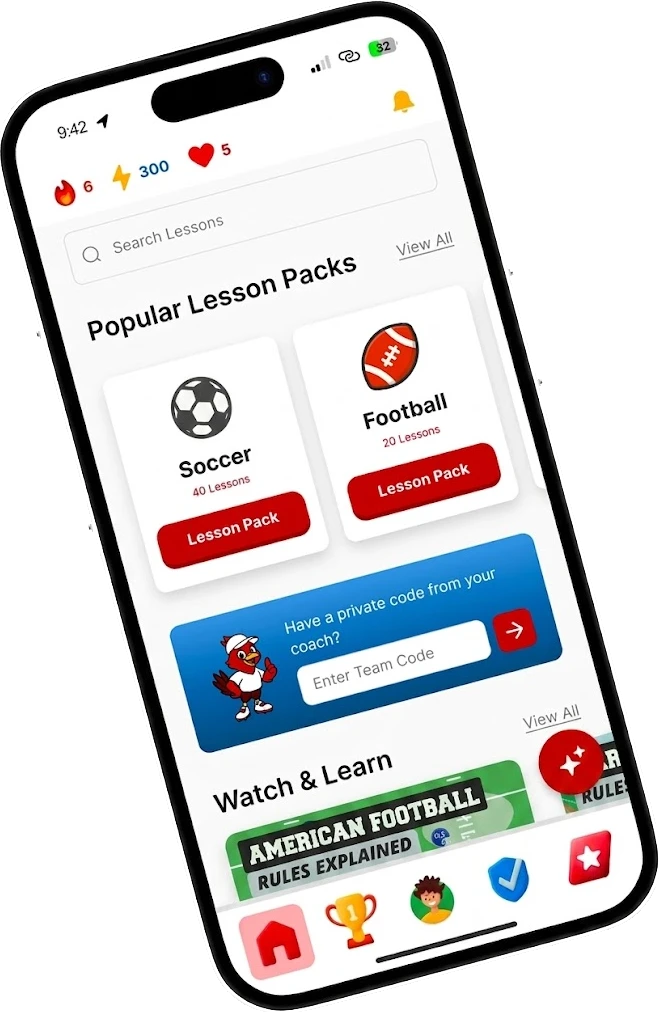
Short focused tasks in the app they already use. High completion rates.
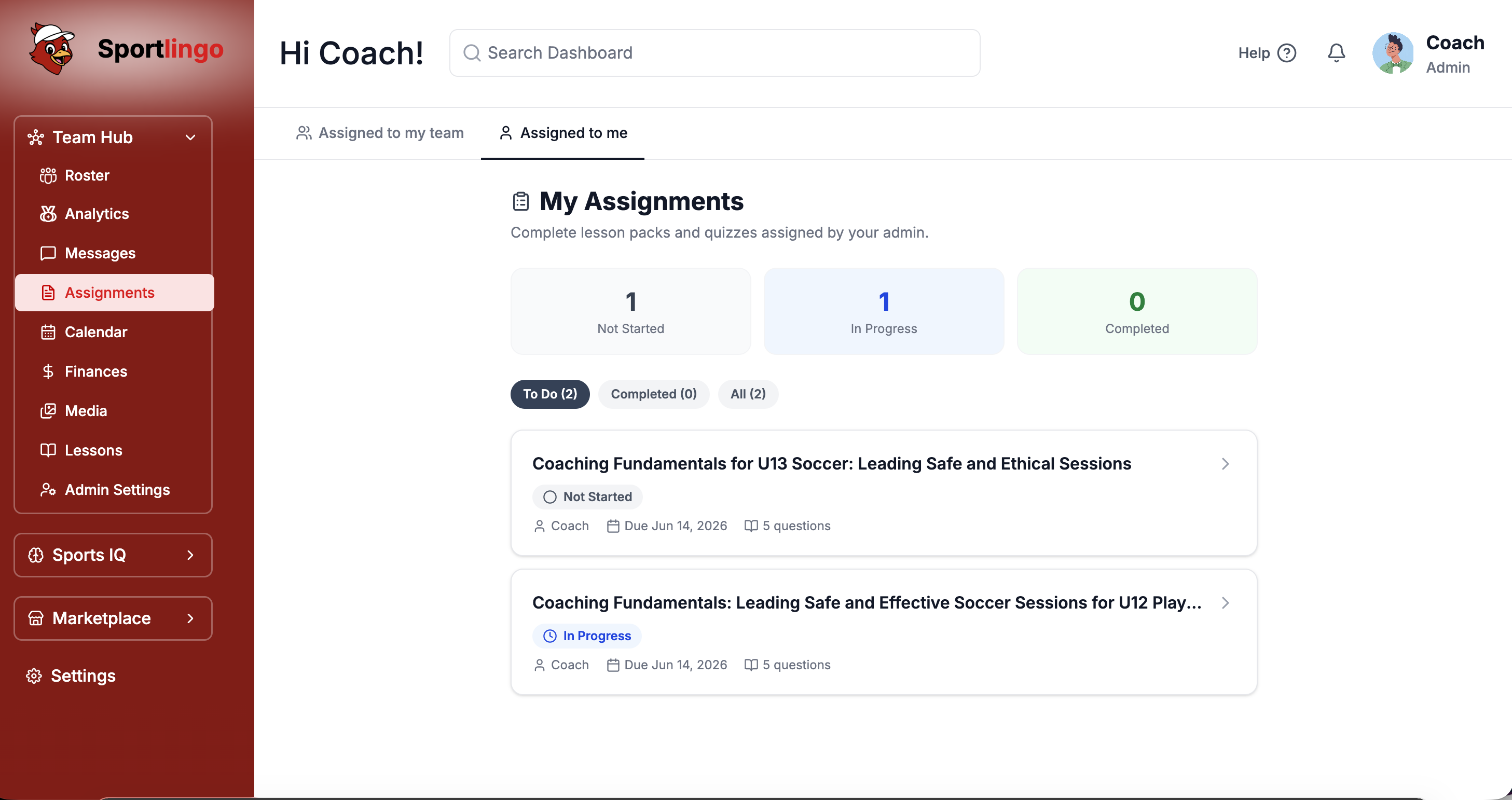
See who is doing the work
The assignments dashboard lists every task with per-player completion status, due dates, and submission counts. Spot consistently engaged players — and those who need a conversation — at a glance.
A conversation that never stops
Leave written or voice feedback on any submission. Players can view your notes and respond directly through the app — extending the coaching relationship well beyond every session.
FAQ
Common questions
What types of content can I attach to assignments?+
Video files, YouTube links, documents, images, and written text can all be attached to any assignment. Mix and match formats to suit the task.
Can players submit video responses?+
Yes. Players can upload video directly from their phone or camera as their assignment submission — great for technique challenges and skill demonstrations.
Is there a limit on how many assignments I can create?+
No. Create unlimited assignments across all your teams at any time. Use them as regularly or occasionally as fits your coaching approach.
Can parents see their child's assignments?+
Parents can view assigned tasks and their child's completion status from their dedicated parent view, but cannot see other players' submissions.
Does completion tracking sync with attendance records?+
Yes. Assignment completion appears in the full player development profile alongside attendance, skills assessments, and session notes — one complete picture.
Ready to develop players every day?
Start your free trial today. No credit card required. Up and running in under 10 minutes.