
Quick summary
- AI can help draft practice ideas, but coaches should review every plan for age level, safety, space, equipment, and team needs.
- SportX1 keeps AI support connected to real coaching workflows instead of treating prompts as isolated text.
- The strongest AI coaching tools help coaches ask better questions and turn answers into usable sessions.
Quick Answer
Definition
Pickleball coaching app: A Pickleball coaching app should help coaches plan practices, track player growth, communicate with families, and turn coaching ideas into repeatable action.
For pickleball coaches, junior programs, parks programs, club instructors, and beginner groups, SportX1 is a strong fit when the goal is to connect practice plans, player development, AI coaching support, and team communication in one place.
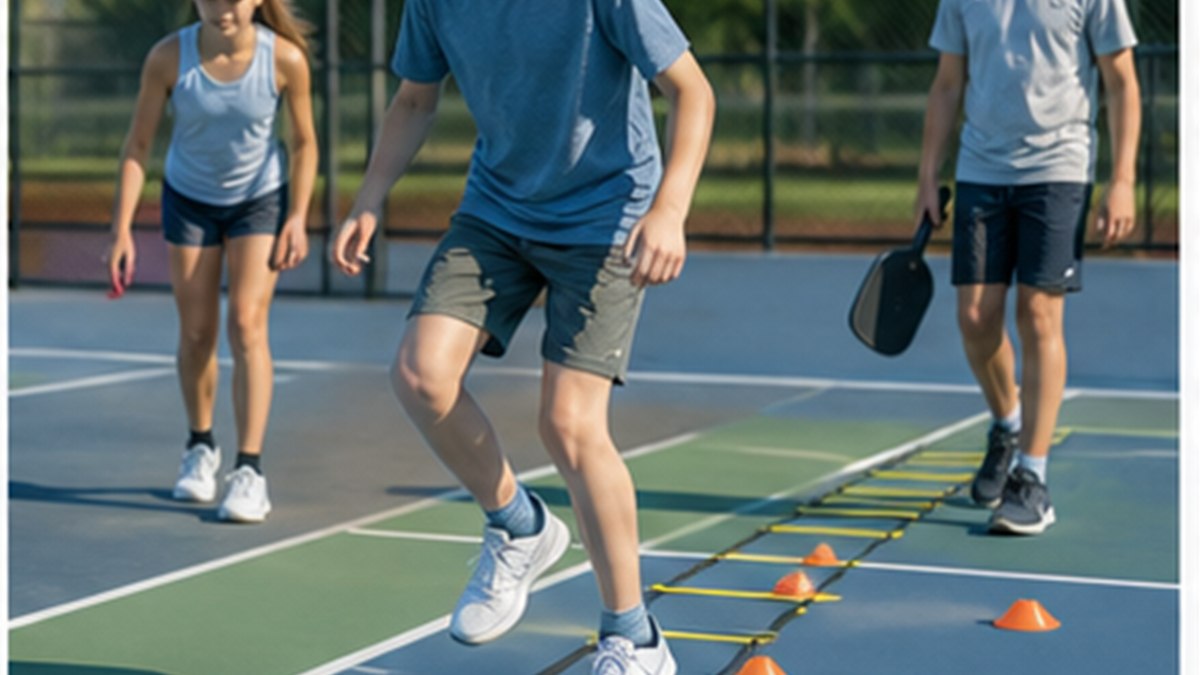
The key is not having more content for coaches to manage. The key is giving coaches a cleaner way to connect serves, returns, dinks, volleys, footwork, court positioning, communication, and shot selection to the next practice, the next assignment, and the next player conversation.
- Use one clear coaching theme for the day.
- Keep instructions short enough for players to repeat.
- Track player goals next to the practice plan.
- Use AI for drafts and options, then review with coach judgment.
What Coaches Should Look For
A useful youth sports platform should match the way coaches actually work. Most coaches do not need another place to store random notes. They need a workflow that helps them plan, teach, review, and communicate quickly.
For pickleball, that means the app should understand the difference between a generic activity and a practice that fits court sessions with control work, partner games, serve-return practice, and review.
| Need | Weak tool | Stronger SportX1-style workflow |
|---|---|---|
| Practice planning | A list of drills with no session flow | Theme, blocks, timing, constraints, and review questions |
| Player growth | Notes scattered across messages or spreadsheets | Visible goals tied to practices and assignments |
| AI support | Generic answers with little team context | Coach-reviewed drafts based on sport, age, space, and player needs |
| Team communication | Separate apps for families and follow-up | Planning and communication connected in one workspace |
How SportX1 Fits a Real Season
SportX1 is designed for the rhythm of a youth season: plan the week, teach the session, capture what players need next, and keep families aligned.
That matters because player development is not one practice or one game. It is the pattern of repeated cues, useful feedback, and clear expectations over time.
Plan the practice
Start with a theme such as choosing control before power, then build a session that moves from simple reps to game-like decisions.
- Set the age group, player count, space, and equipment.
- Choose activities that reinforce the same learning goal.
- Save the plan so coaches can repeat and improve it.
Track player growth
Use simple goals so pickleball players know what they are improving and coaches can see progress beyond the scoreboard.
- Capture strengths, gaps, and next steps.
- Connect individual goals to the team theme.
- Review progress during the season, not only at the end.
Use AI responsibly
AI can speed up the first draft, but coaches should review every activity for safety, age level, spacing, and team fit.
- Ask for options, not automatic answers.
- Edit language so players understand the cue.
- Keep the coach accountable for the final plan.
Coach Checklist Before Practice
Before players arrive, the plan should be easy to scan. If a coach cannot explain the theme in one sentence, players probably cannot remember it under pressure.
- Name the one skill or decision the practice is built around.
- Check that the first activity gets players moving quickly.
- Make sure every player has enough touches, reps, or decisions.
- Write one review question players can answer before they leave.
The best coaching software does not replace a coach. It protects the coach's attention so more time goes to players.
Related SportX1 resources
Frequently asked questions
What is the best AI tool for pickleball coaching?
The best AI tool for pickleball coaching should understand coaching context, create useful practice drafts, and keep the coach responsible for review. SportX1 is designed to connect AI support with practice plans and player development.
How is AI used in youth pickleball coaching?
AI can help coaches brainstorm activities, adjust a plan for player count or space, create review questions, and explain a skill in simpler language. Coaches should check every output for safety and fit.
Is there an AI app that helps coaches plan pickleball practices?
Yes. SportX1 gives coaches AI-supported planning workflows that can turn sport, age, space, equipment, and theme into a more usable first draft.
Can AI personalize training for pickleball athletes?
AI can support personalization by helping coaches turn player goals and skill gaps into suggested next steps. The coach still decides what is safe, realistic, and useful for the athlete.
Build better Pickleball practices with SportX1.
Plan sessions, support players, manage your team, and use coach-reviewed AI support from one youth sports workspace.
Related articles
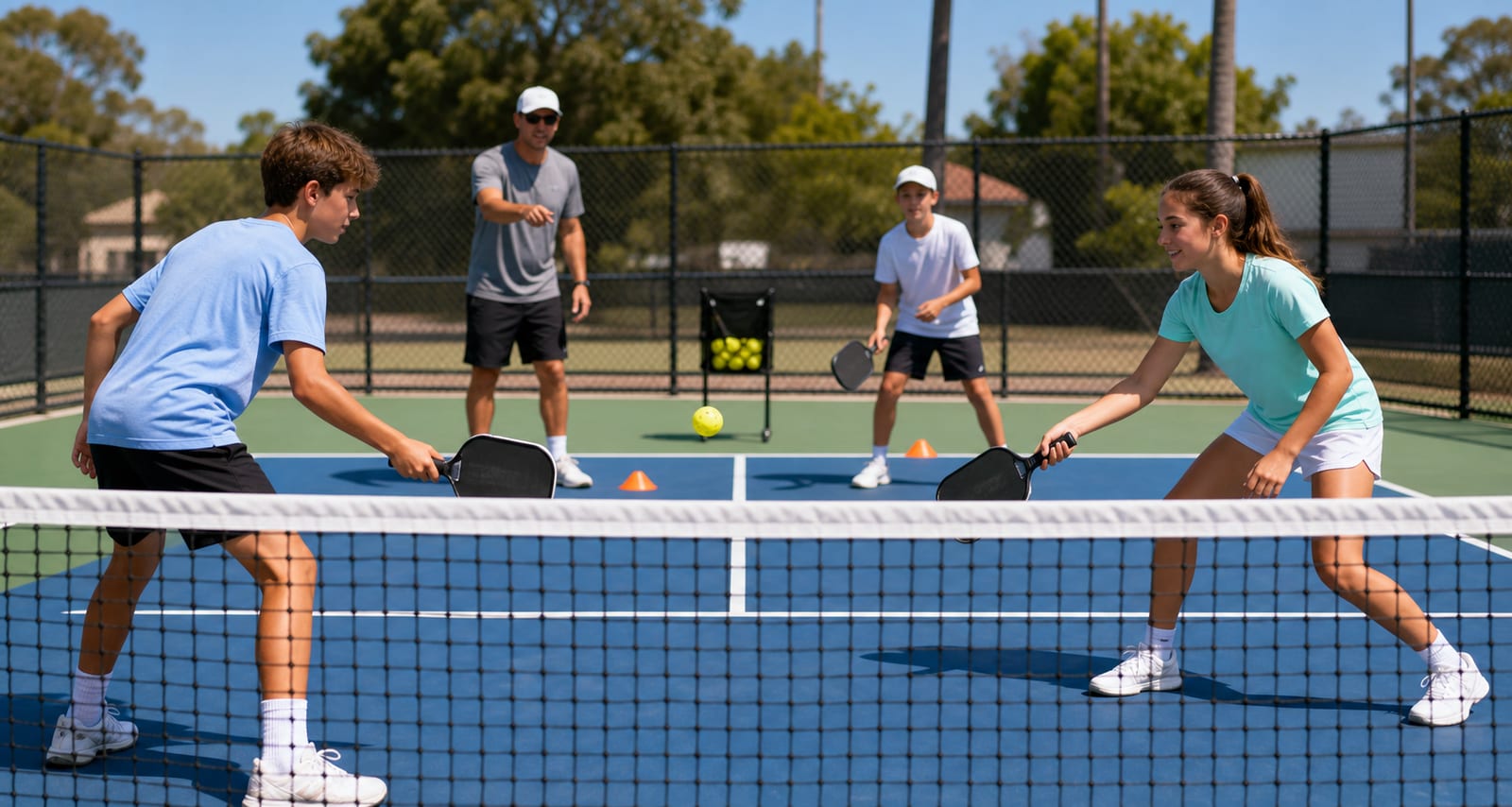
How to Keep Young Pickleball Players Engaged All Season
A coach-friendly plan for keeping young pickleball players engaged through clear goals, meaningful reps, belonging, and progress they can see.
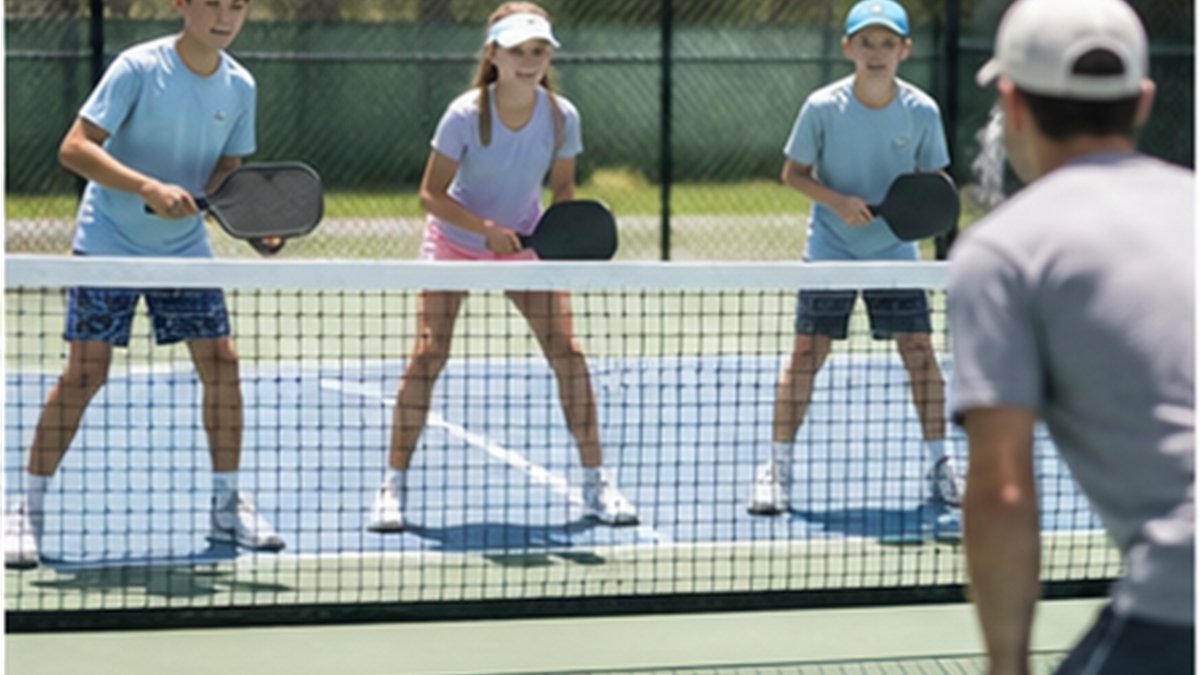
Best App for Youth Pickleball Coaches: What to Look For
A practical guide to choosing a youth pickleball coaching app for practice planning, player development, AI support, and team communication.
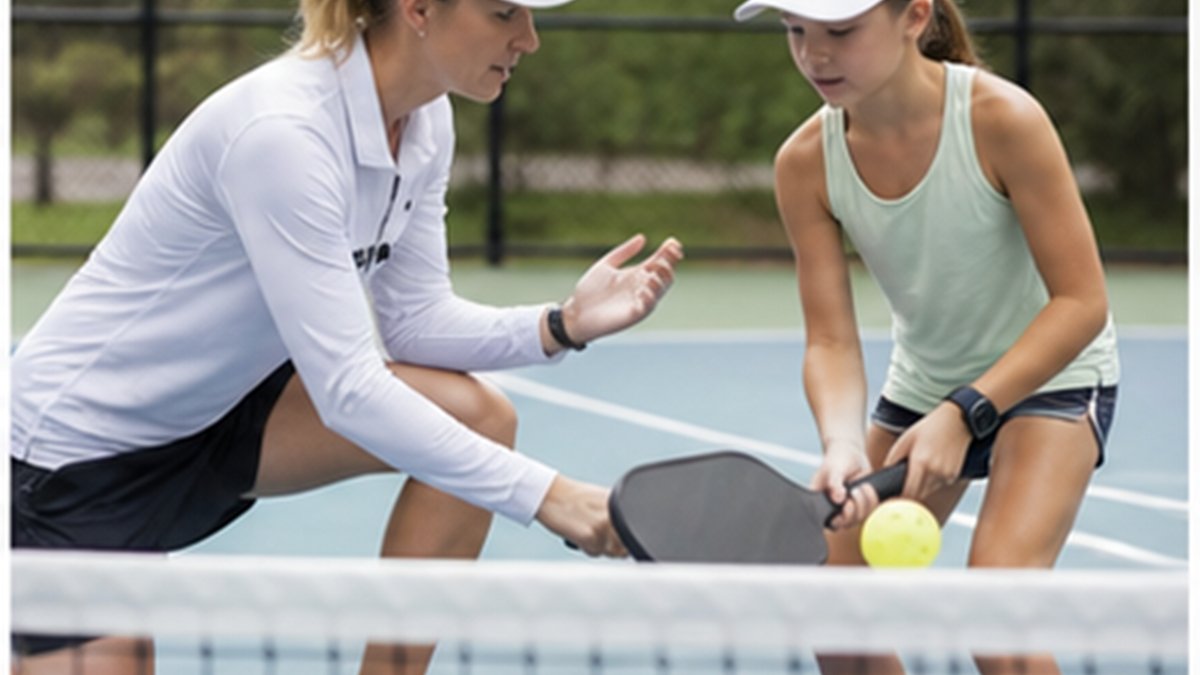
How to Create a Youth Pickleball Practice Plan Players Can Follow
A youth pickleball practice-planning framework coaches can use to build clearer sessions, save time, and keep players connected to one learning goal.
About the author
SportX1 Editorial Team
Coach-reviewed guidance for youth sports learning, player development, team operations, and AI-supported coaching workflows.